Salma, the editor of a cultural events guide, could see that the Arabic text was now in place, yet reading it still felt unnatural. Gold Printing’s typesetter invited her to find an event by following an ordinary reader’s route: from the contents to a date, from a district to a venue, and then back to the index. The words could be correct while the book itself remained organized around a different reading habit. At last, she had a precise way to explain her discomfort, instead of simply asking for it to flow better.
The difficulty went back to the original production brief. Although the first set of texts was complete, the Arabic had been placed directly into a left-to-right French layout. Dates, page numbers, arrows and tables offered conflicting starting points, while names associated with Amazigh culture had been reduced to translated forms that happened to fit the design. Printing the files as they stood would create more than an aesthetic problem. Readers could mistake a date or go to the wrong venue, while the purchaser faced the risks of reprinting, delays and culturally inaccurate descriptions.
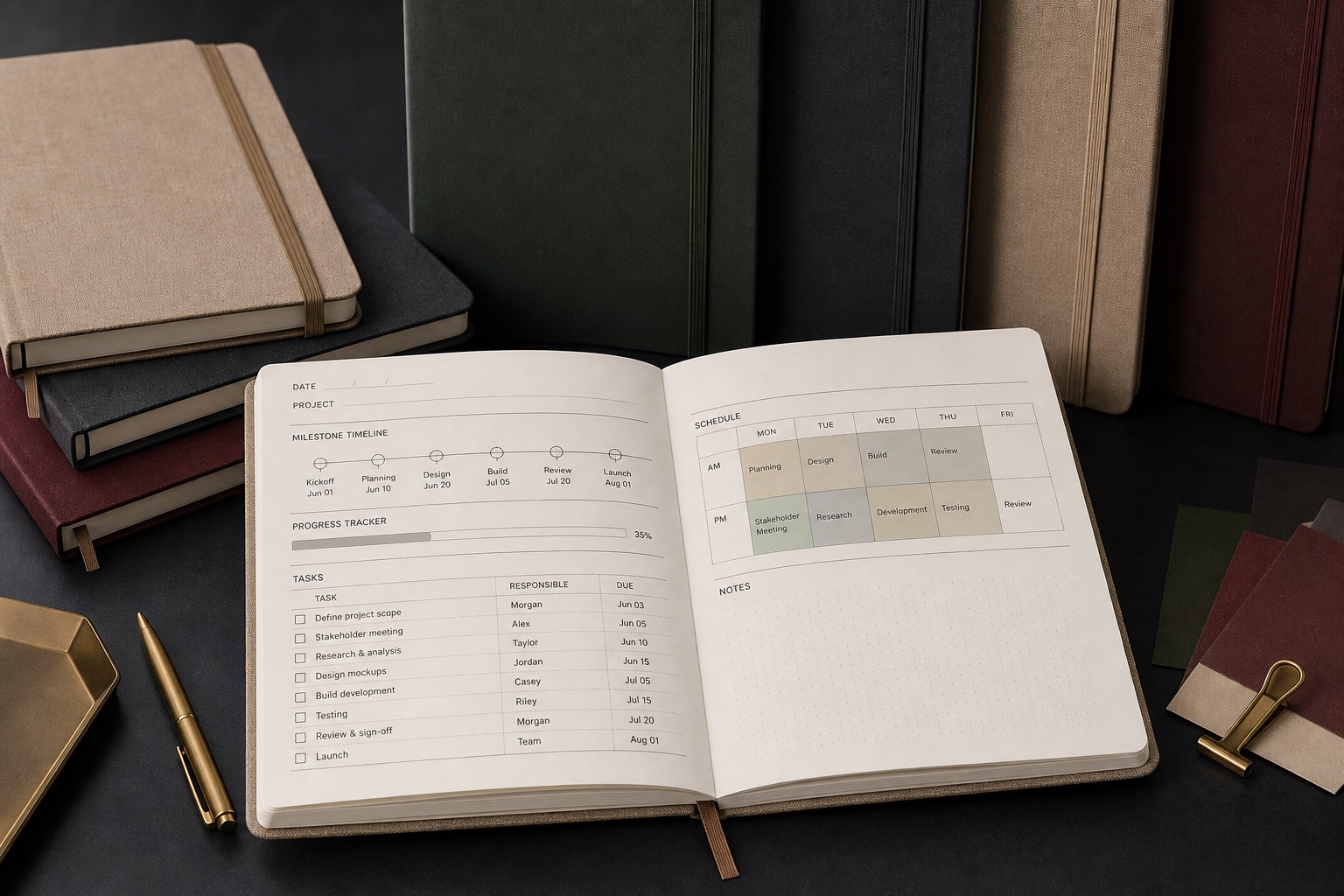
Salma divided the requirements into four lists: languages, reading direction, responsibility for content, and deliverables. She requested a right-to-left master layout, bilingual comparison pages where needed, an unprinted binding dummy genuinely bound on the right, and test pages combining numbers with Latin letters. The person responsible for the content would approve every event name; nobody was to shorten a name simply to fit a column. Dates, times, telephone numbers, locations and directional arrows received an item-by-item checklist. The purchasing specification also addressed font licensing, substitutes for missing glyphs, and the distinction between spot-colour and four-colour output. It retained a text-proof round, a bound-sample round and final press approval, making quotations comparable and keeping responsibility from drifting between editing, design and printing.
Correcting the direction on screen did not immediately give the binding dummy a consistent opening action. Gold Printing checked the cover, book block and folded signatures together, rather than treating one department’s completion as proof that the whole reading experience worked. Numbers, brackets and web addresses within mixed-language text also needed their own applicable rules. Mirroring everything was not the answer.
Once the first layout had been changed to right-to-left, the guide looked more local on the surface. Salma still withheld approval. She asked the team to work through reader tasks: find a weekend event through the contents, locate a venue by district, and return from an event page to the index. They found that brackets in French passages disrupted the Arabic punctuation, a group of web addresses disturbed the order within a line, and the weekday columns in a table running across pages reversed after the page turn. Salma marked each problem by page and column. She did not send the supplier a vague request to make the whole thing smoother. Prepress staff could then address bidirectional text, page-number masters, table-column order and hyphenation as distinct classes of problems, rather than guessing at isolated fixes.
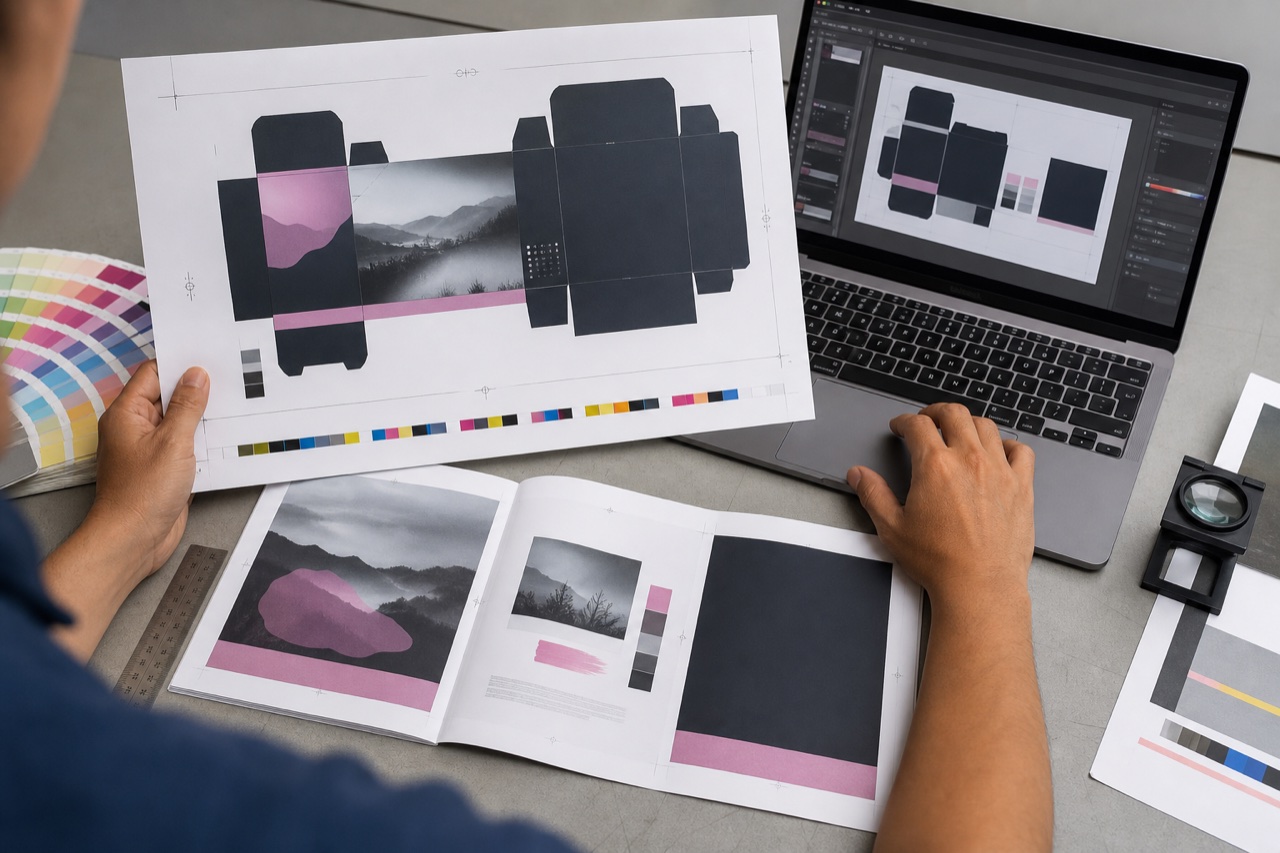
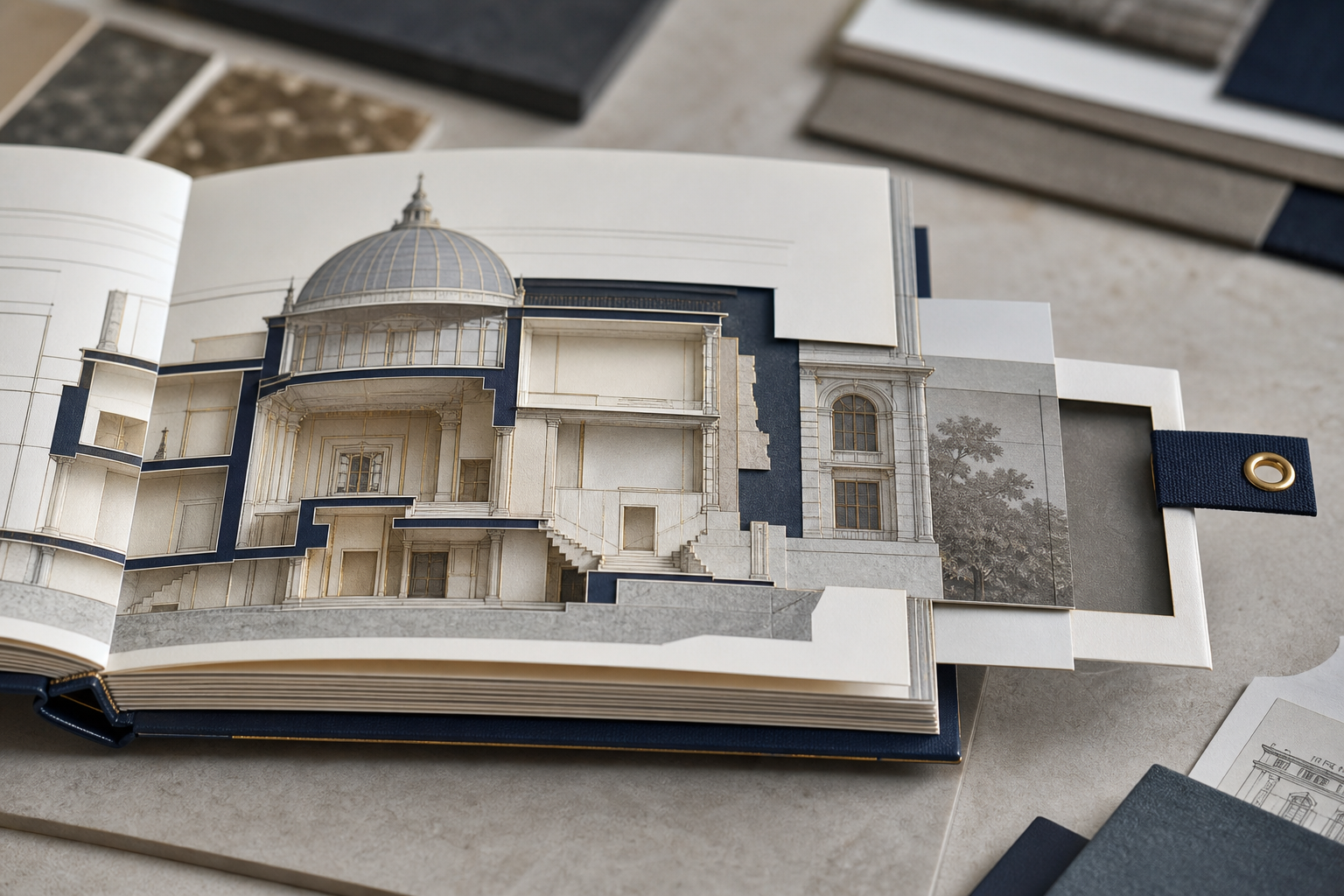
The decisive moment came with the binding dummy. The screen file ran in the correct direction, but the physical book still opened from the left. The cover, spine and first interior page did not belong to the same reading action. Salma paused the final payment milestone and asked for the cover, book block, folded signatures and binding direction to be accepted as a single unit, with the physical sample turned through page by page. After the supplier revised the imposition, the team also used low-resolution output to examine the legibility of fine type and pale backgrounds. They checked the inside margins after trimming, so that binding on the right would not swallow the beginnings of Arabic lines. What had begun as language proofreading became a complete examination of the route from content to finished book.
Salma brought out another page containing numbers and a web address. She asked Gold Printing not to reverse every element merely to make it follow the overall direction. Each kind of content had its own reading rules. Getting the spine on the correct side was a beginning; table order, brackets, numbers and routes into the index still required individual attention. The team marked issues on actual pages and fields, giving language reviewers something specific to answer instead of a general request to check everything again. Salma also tied that approval to the complete bound sample. If the file was output again or the binding conditions changed, everyone needed to know which relationships to revisit. Direction was no longer a technical switch. It had become a route readers could follow naturally from picking up the guide to putting it down.
Salma recorded the agreed opening and reading direction in the handover notes, and Gold Printing retained the complete dummy as a reference. When a page changed or another print run was needed, the next team would know how the guide should be held, opened and read. Respect for its readers would not have to begin again with guesswork.
In this scenario, the finished guide opened naturally from the right at the service counter. Moving between the contents, district index and event pages felt consistent, with clear levels for Arabic, French and necessary international information. At a family activity, a grandmother found a neighbourhood session in her local language, while her grandson checked the travel directions in another. Neither needed a staff member to explain the guide again. The project did not sacrifice one language for a tidier page, and it avoided a complete reprint caused by the wrong opening direction. The purchaser also received master layouts, checklists and signed approval records that could be used for the next edition.
For a future right-to-left project, the enquiry can request language sample pages, a direction-checking dummy, challenging mixed-direction text samples and acceptance through physical page-turning. Responsibility for names, number formats, page-number masters, binding side and trimmed margins belongs on one connected checklist. A web address, time or Latin-letter phrase added later should trigger a review of the affected pages, not merely the edited line. A dependable international publication begins by letting local readers use its pages naturally, then giving other languages a clear place alongside them.
Salma picked up the guide again and opened it from the side that felt natural. Dates and tables now moved with her reading. For Gold Printing, respect meant understanding how people actually used the book, beyond giving it a localized appearance. When a book begins in the direction familiar to its reader, its invitation to take part in cultural life can feel both clearer and closer.